
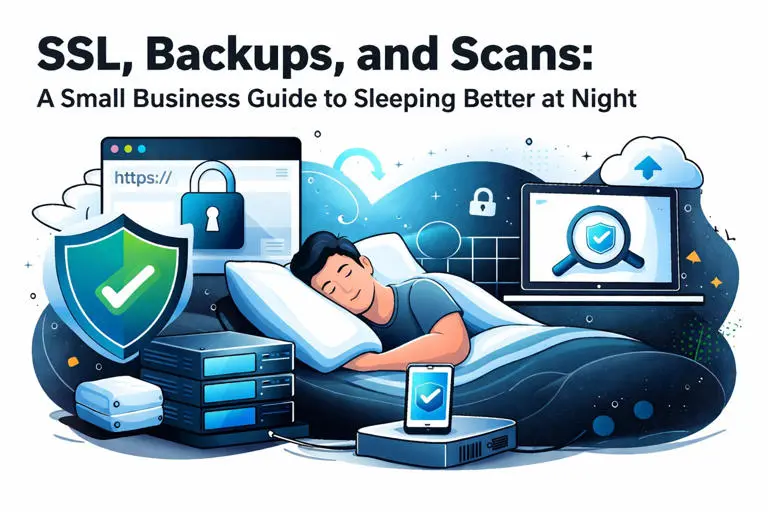
SSL, Backups, and Scans: A Small Business Guide to Sleeping Better at Night
Running a small business in Brampton is hard enough without worrying about your website getting hacked, losing all your data, or scaring customers away with security warnings.
The good news? Website security doesn't have to be complicated. It comes down to three things: SSL certificates, regular backups, and security scans. Let's break each one down into plain English.
What Is an SSL Certificate (And Why Should You Care)?
SSL stands for Secure Sockets Layer. It's the technology that encrypts data between your website and your visitors' browsers.
You've probably seen it in action. When a website URL starts with "https" instead of "http," that little "s" means SSL is working. Most browsers also show a padlock icon next to secure sites.
Here's what SSL actually does:
- Encrypts sensitive information like contact form submissions, passwords, and payment details
- Prevents hackers from intercepting data as it travels between your site and your visitors
- Tells Google your site is trustworthy (which helps your search rankings)
- Builds customer confidence when they see that padlock icon

What Happens When Your SSL Expires?
SSL certificates have expiration dates. When yours expires, things get ugly fast.
Visitors see scary warning messages. Browsers like Chrome and Firefox display full-page warnings that say things like "Your connection is not private" or "This site may be unsafe." Most people hit the back button immediately.
Google penalizes your rankings. Search engines factor SSL into their algorithms. An expired certificate can hurt your visibility in search results.
You lose sales and leads. Nobody wants to fill out a contact form or make a purchase on a site that their browser is flagging as dangerous.
The worst part? Many small business owners don't even know their SSL has expired until a customer tells them. By then, you've already lost potential business.
Backups: Your Safety Net Against Disaster
A backup is simply a copy of your website's files and database. If something goes wrong, you can restore your site to a previous working version.
Think of it like a time machine for your website.
Why Backups Matter More Than You Think
Data loss happens more often than most people realize. Here are the common culprits:
- Hacking and malware , Attackers can delete or corrupt your files
- Human error , Accidentally deleting important pages or content
- Failed updates , Plugin or theme updates that break your site
- Hardware failure , Server issues at your hosting provider
- Ransomware , Malicious software that locks you out of your own data
Without a backup, recovering from any of these scenarios can mean rebuilding your entire website from scratch. That's weeks of work and thousands of dollars.

The 3-2-1 Backup Rule
Security experts recommend the 3-2-1 approach:
- 3 copies of your data
- 2 different storage types (like a server and cloud storage)
- 1 copy offsite (stored in a different physical location)
This protects you even if one backup fails or gets compromised.
But here's the thing most business owners miss: backups need to be tested regularly. A backup that doesn't work when you need it is useless. Monthly testing ensures you can actually restore your site when disaster strikes.
Security Scans: Finding Problems Before They Find You
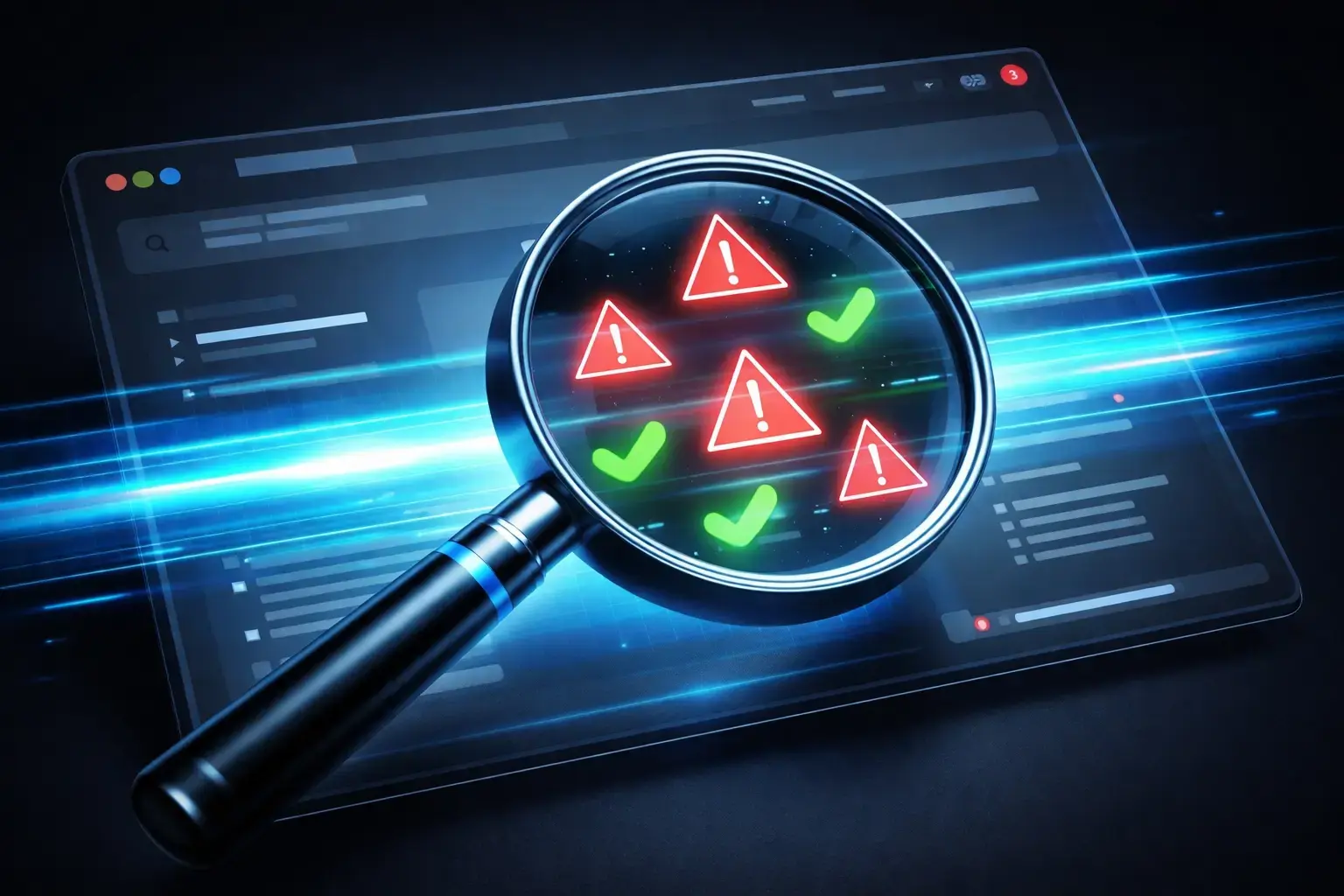
Security scans are automated checks that look for vulnerabilities, malware, and suspicious activity on your website.
Think of them like a security guard doing regular patrols. They catch problems early, before hackers can exploit them.
What Security Scans Look For
- Malware and viruses , Malicious code that's been injected into your site
- Outdated software , Old versions of WordPress, plugins, or themes with known security holes
- Suspicious file changes , Files that have been modified without your knowledge
- Blacklist status , Whether your site has been flagged by Google or other security services
- Brute force attempts , Repeated login attempts trying to guess your password
Why Proactive Scanning Beats Reactive Firefighting
Many small businesses only discover they've been hacked when:
- A customer complains about weird redirects or pop-ups
- Google removes their site from search results
- Their hosting provider suspends their account
By that point, the damage is done. Your reputation takes a hit. Customers lose trust. And cleaning up a hacked site costs way more than preventing the hack in the first place.
Regular security scans catch issues early. They alert you to vulnerabilities before attackers can exploit them. And if something does get through, you'll know about it quickly instead of weeks later.
The Real Problem: Who Has Time for All This?
You now understand why SSL, backups, and scans matter. But here's the honest truth.
Most Brampton small business owners don't have time to:
- Track SSL certificate expiration dates
- Configure and test backup systems monthly
- Run security scans and interpret the results
- Keep WordPress, plugins, and themes updated
- Monitor for suspicious activity around the clock
You're busy running your actual business. Dealing with customers. Managing employees. Paying bills. The last thing you need is another technical to-do list.
This is where managed hosting comes in.
How GraySquare Handles the Technical Stuff
At GraySquare Solutions, our managed WordPress hosting plans include all of this built-in. You don't have to think about it.
Here's what's included in our $52.50/month managed plan:
- SSL certificate management , We install, configure, and auto-renew your SSL so it never expires
- Daily automated backups , Your site is backed up every day with offsite storage
- Backup testing , We verify backups actually work
- Security scanning , Regular malware and vulnerability scans
- Real-time monitoring , We watch for suspicious activity 24/7
- Software updates , WordPress core, plugins, and themes kept current
- Human support , Real people (not bots) available when you have questions
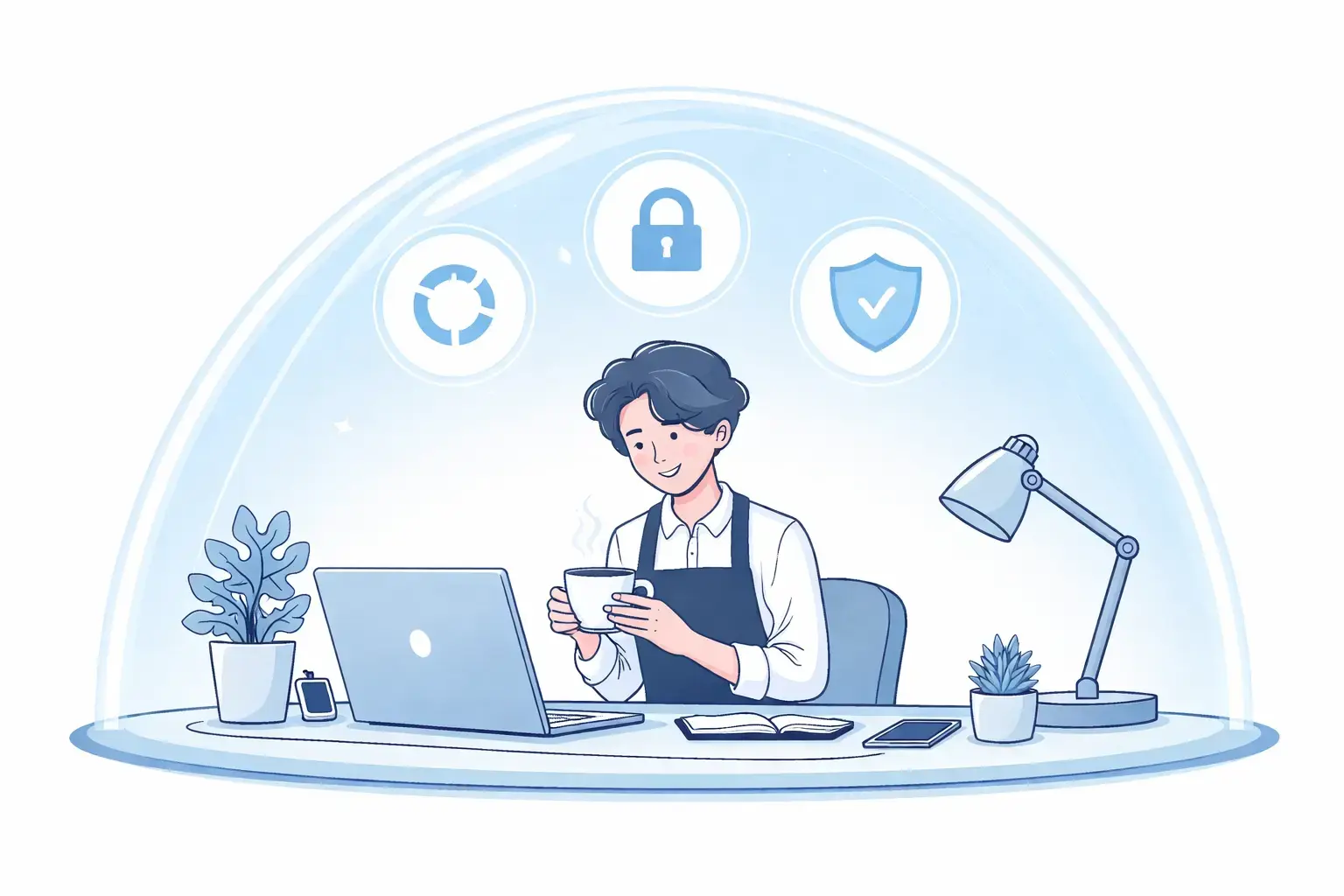
The goal is simple: you focus on your business while we handle the technical side. No more 3 AM panic about expired certificates or hacked websites.
What Peace of Mind Actually Looks Like
When your website security is handled properly, you'll notice a few things:
- No more browser warnings scaring away potential customers
- No more lost data from failed updates or attacks
- No more surprise downtime ruining your day
- No more scrambling to fix problems you don't understand
You just run your business. Your website quietly does its job in the background.
That's what "sleeping better at night" actually means for small business owners.
Getting Started
If you're currently managing your own website security (or worse, not managing it at all), consider what your time is worth.
A single hacking incident can cost thousands in cleanup, lost sales, and reputation damage. An expired SSL can turn customers away for weeks before you notice.
Or you can pay $52.50/month and let someone else handle it.
Ready to stop worrying about the technical stuff? Get in touch with our team or check out our managed WordPress hosting plans.
We'll take care of the SSL, backups, and scans. You take care of your business.